Color Dots: Baby Sensory Game
Your baby touches the screen, and the screen answers back.
Free · In-App Purchases 4.2 out of 5 (309)
ages 0–5iOS 26+
What it actually is
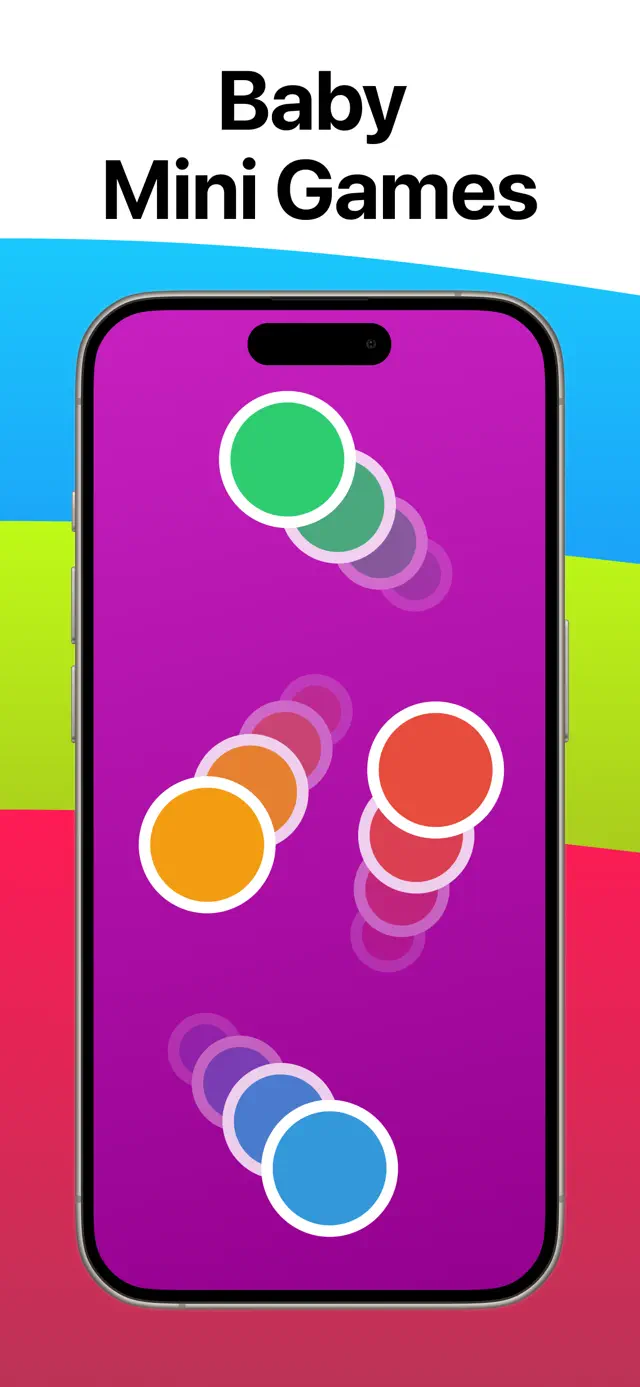
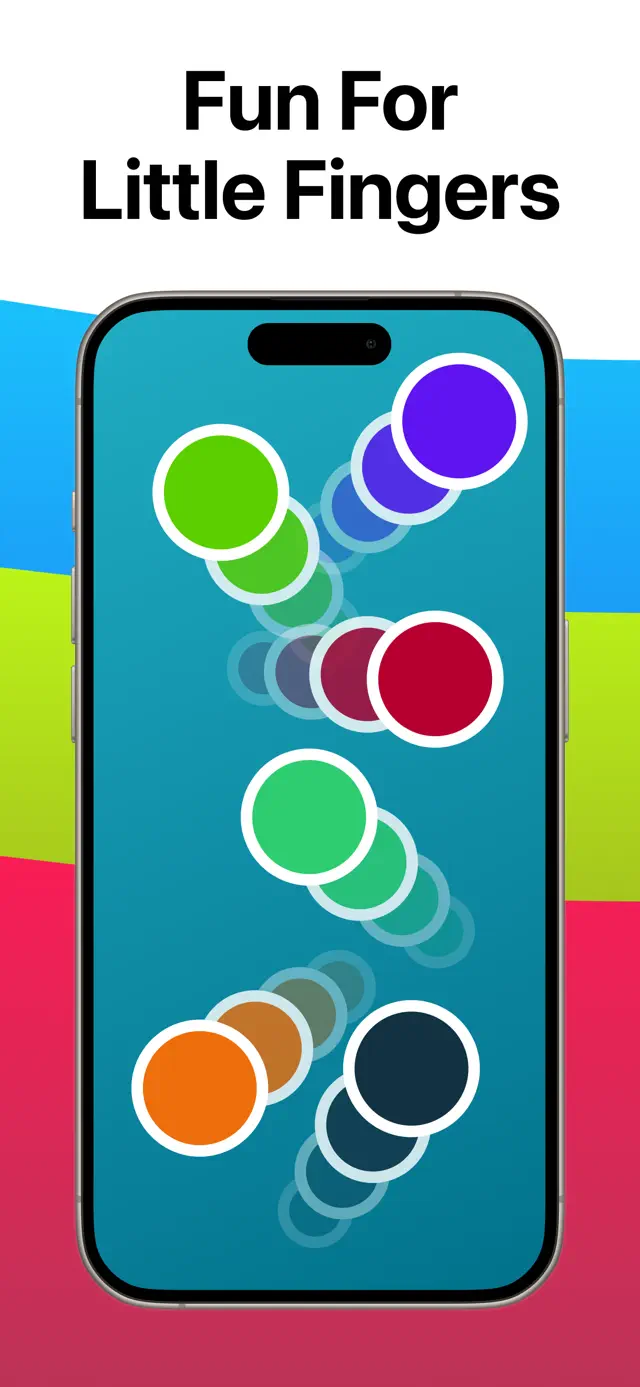
Color Dots is a baby sensory app. Your kid touches the screen, and something bright and immediate happens. That's it. There's no score, no timer, no levels, and no way to lose. Nothing sits there waiting for the right answer, because there isn't one.
I made the first version for my daughter when she was small, and the whole design came out of watching her use it. She couldn't read. She didn't want instructions. She wanted the screen to do something when she hit it. So that's what it does.
Apple lists it for ages 0 to 5, and honestly it gets used differently at each end of that. At the young end it's cause and effect. By four, Ellie was picking the counting game on purpose.
If you searched for a black and white baby app
I should be straight with you, because I'd rather you not download it and be annoyed. Color Dots is high contrast color, not monochrome. Bright shapes on plain backgrounds. If you specifically want black-and-white cards for a newborn's first few weeks, this isn't the right app and I'd rather tell you now.
For a high contrast app for newborns, or something to prop up during tummy time, it works fine: big shapes, strong edges, reacts to any touch. Just know it's color.
The five games inside
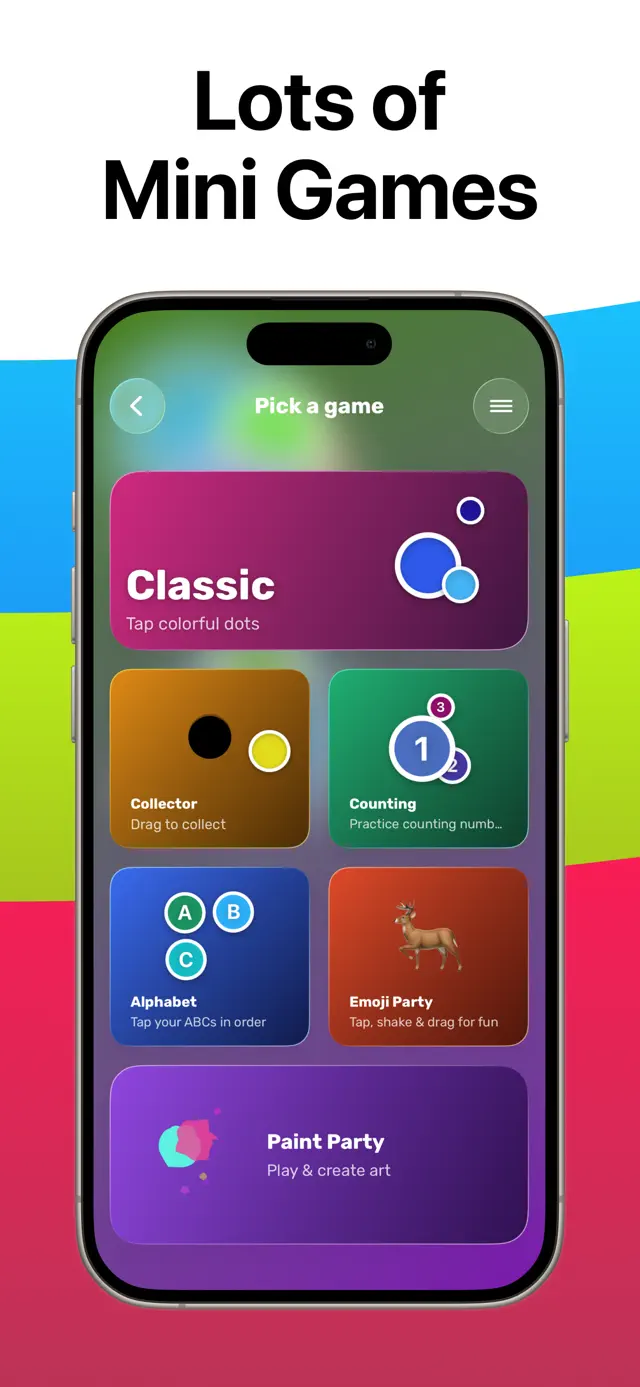
You pick these from one screen. If you want to lock your kid into a single one so they can't wander off, iOS Guided Access does that and the app supports it.
- Paint Party: swipe and splash color across the screen.
- Emoji Party: tap and fill the screen with animated emoji.
- Alphabet: tap the letters in order, A to Z.
- Collector: drag the dots into a basket.
- Counting: practice numbers, no timer, no pressure.
What using it looks like
A few minutes. Not an afternoon. You hand over the phone or prop up the iPad, they whack at it, color follows their hand, and they either stay with it or they don't. Because there's no progress to lose, taking it away doesn't start a fight. Nothing is being interrupted.
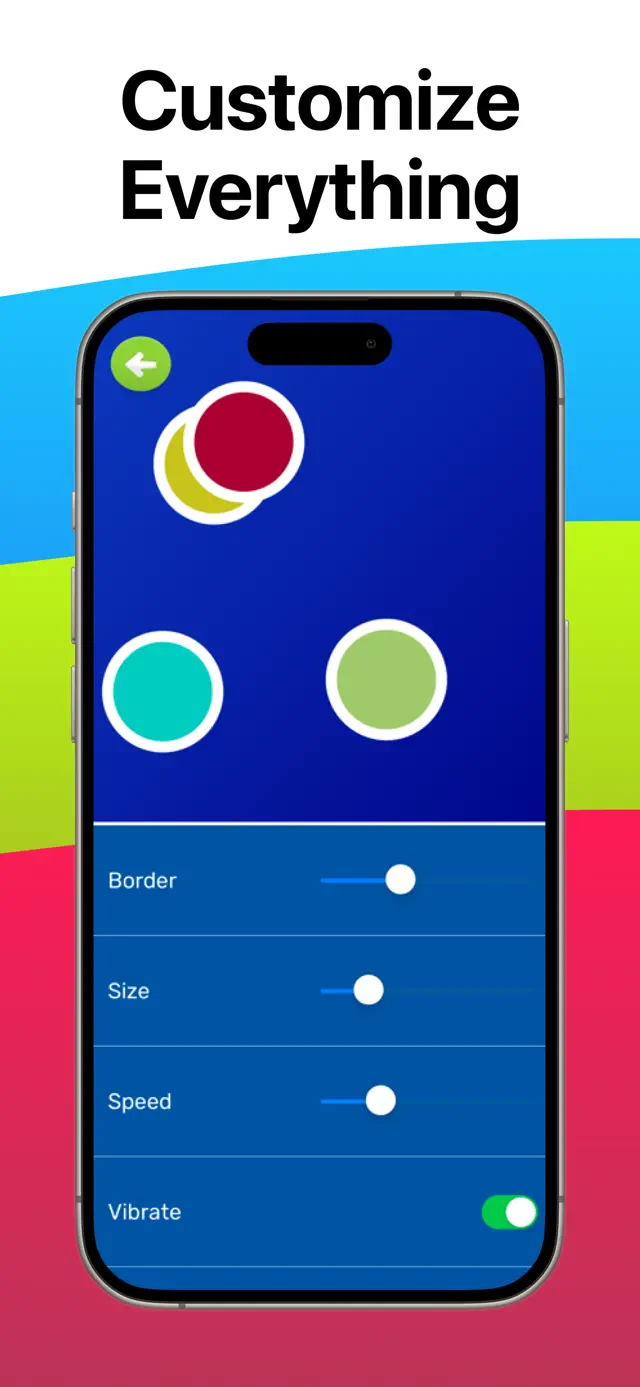
You can change how fast the dots move and how big they are. That matters more than it sounds. If your kid is still working on fine motor control, a fast-moving target is just frustrating. Slow it down and the dots wait for them.
If you've got a 6 month old and you're wondering whether it's worth it: it's free, so try it for five minutes. Ellie went for it straight away. Plenty of babies don't. It costs nothing to find out which one you have.
What it costs
It's free. There's one optional $1.99 unlock (Unlock All Features) if you want everything, and I only ask once. It's not a subscription, and nothing about the app gets worse if you skip it.
What it doesn't do
- No ads. Not one, ever.
- No personal information. It records anonymous usage data so I can see which games actually get played, and that's it. Details here.
- Nothing links out to the web. No video, no feed, no chat.
- No streaks, no daily rewards, no notifications pulling your kid back in.
Two things worth knowing before you download.
On the App Store it's still listed as Color Dots for a Learning Baby. Same app.
It needs iOS 26 or later. If you're handing down an older iPad, check what it's running first. I'd rather you find out here than after the download fails.
What it looks like
Swipe to see more.